Taxes
How to Use the IRS Tax Withholding Estimator (Step by Step)
Owed tax or got a big refund? Use the free IRS Tax Withholding Estimator to check your paycheck withholding and download a pre-filled Form W-4. All 7 steps.
Updated Steps checked on
Chapters in the video
- 0:00What the estimator does
- 0:19What you need
- 0:46Step 1: About you
- 1:04Step 2: Income and tax payments
- 2:25Step 3: Adjustments
- 2:39Step 4: Standard or itemized deduction
- 3:01Step 5: Additional deductions
- 3:29Step 6: Credits
- 3:40Step 7: Your results
- 3:55Your recommended W-4 entries
- 4:14The pre-filled Form W-4
- 4:36Check your withholding every January
Did you owe money at tax time, or get a much bigger refund than you expected? Both usually mean the federal tax taken out of your paychecks is off. The IRS Tax Withholding Estimator is a free, official tool on irs.gov that works out the right amount and fills in a new Form W-4 for your employer.
This guide goes through all 7 steps with a made-up example: a single person with a salaried job, paid every two weeks. It explains how the tool works; it isn't tax advice.
Who can use it, and what you need
- It's for people with a W-2 job, or a pension or annuity with federal income tax withheld. Nonresidents for U.S. tax purposes can't use it; the IRS points them to Notice 1392.
- Have your most recent pay stub ready. If you have other income, last year's tax return helps too.
- It doesn't ask for your name, Social Security number, address or bank details, and the tool says your answers won't be saved or shared with the IRS.
Open the estimator at irs.gov/w4app and click Start your estimate.
Step 1: About you
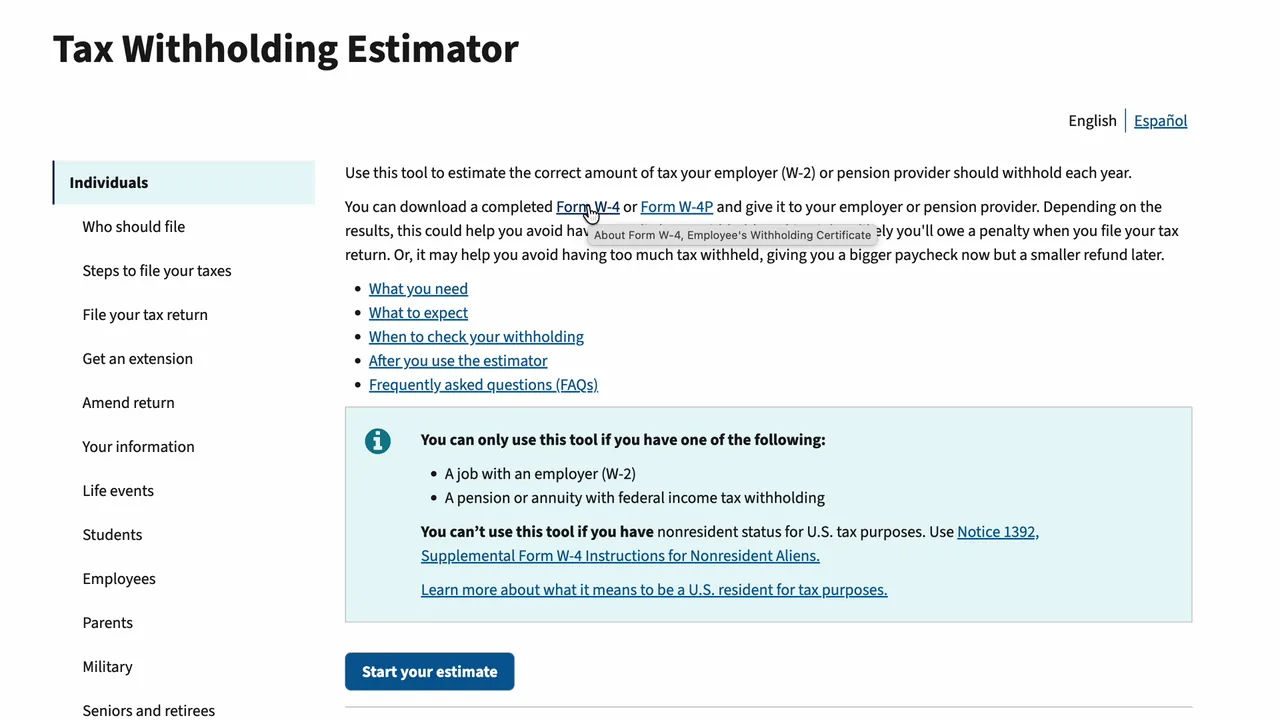
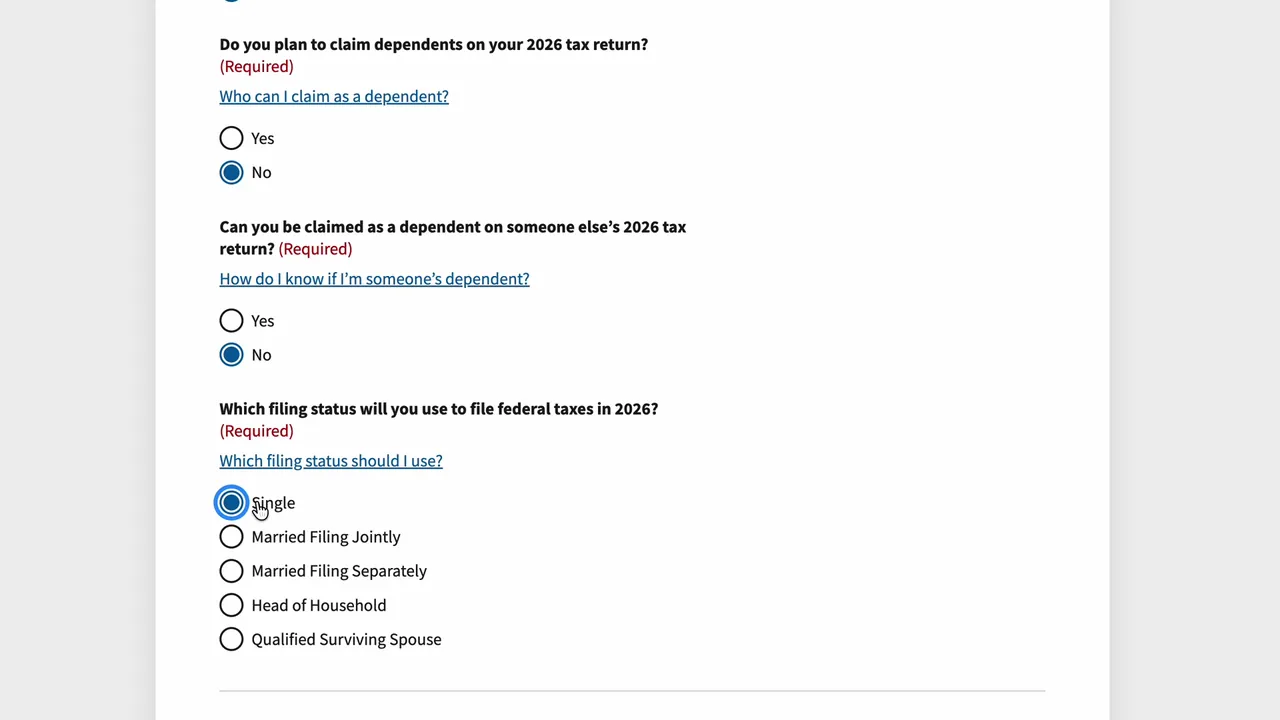
Answer whether you'll be 65 or older, whether you're blind, whether you'll claim dependents, and whether someone else can claim you. Then choose the filing status you'll use on your 2026 return. The example is single, under 65, with no dependents. Click Next.
Step 2: Income and tax payments
Under Jobs with an employer, click Add job, then fill it in from your pay stub:
- Hourly or salary, whether you'll have the job all year, and how often you're paid. The example: salary, all year, every two weeks.
- The date your most recent pay period ended, and the pay date.
- Gross pay for that pay period: your pay before any taxes or deductions. The example earns $2,250 per paycheck, with no bonus.
- Gross pay so far this year. On most pay stubs that's the year-to-date (YTD) column. The example: $49,500.
- Tips and overtime: for 2025 through 2028 there are new deductions for them, and you can estimate them here. Leave them blank if they don't apply.
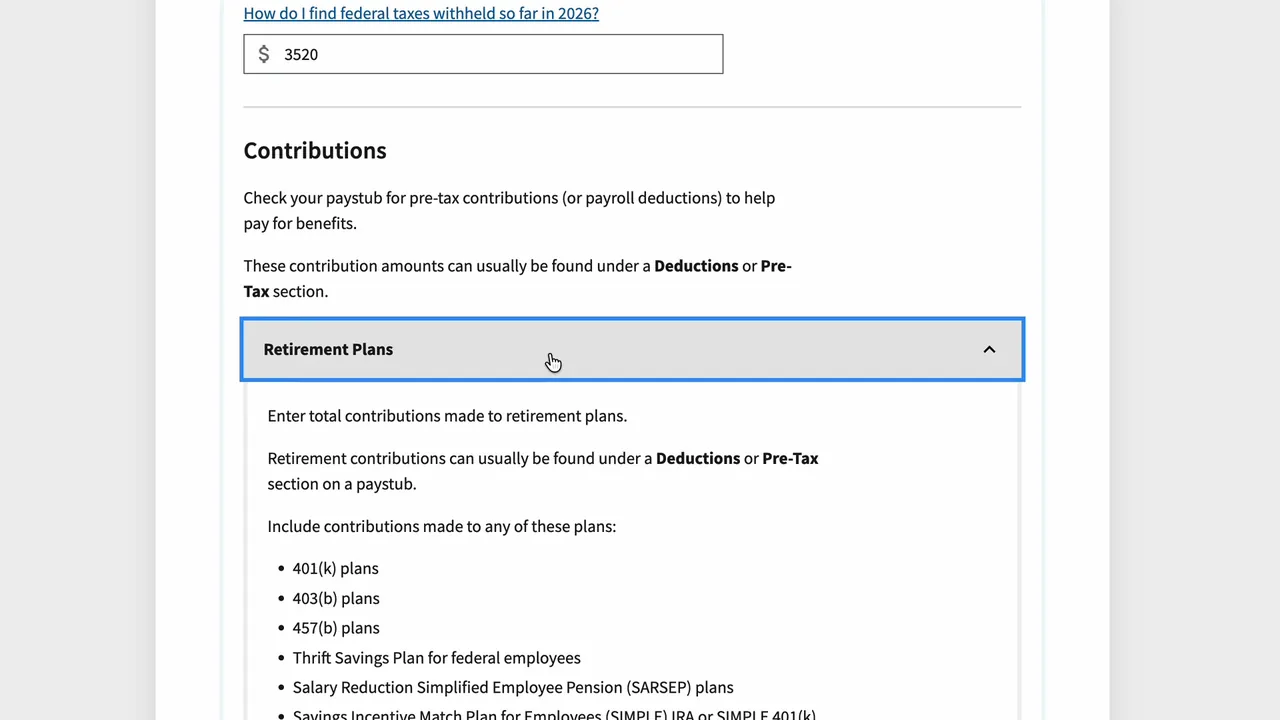
- Federal income tax withheld from this paycheck and so far this year. Only federal income tax, not Social Security, Medicare or state tax.
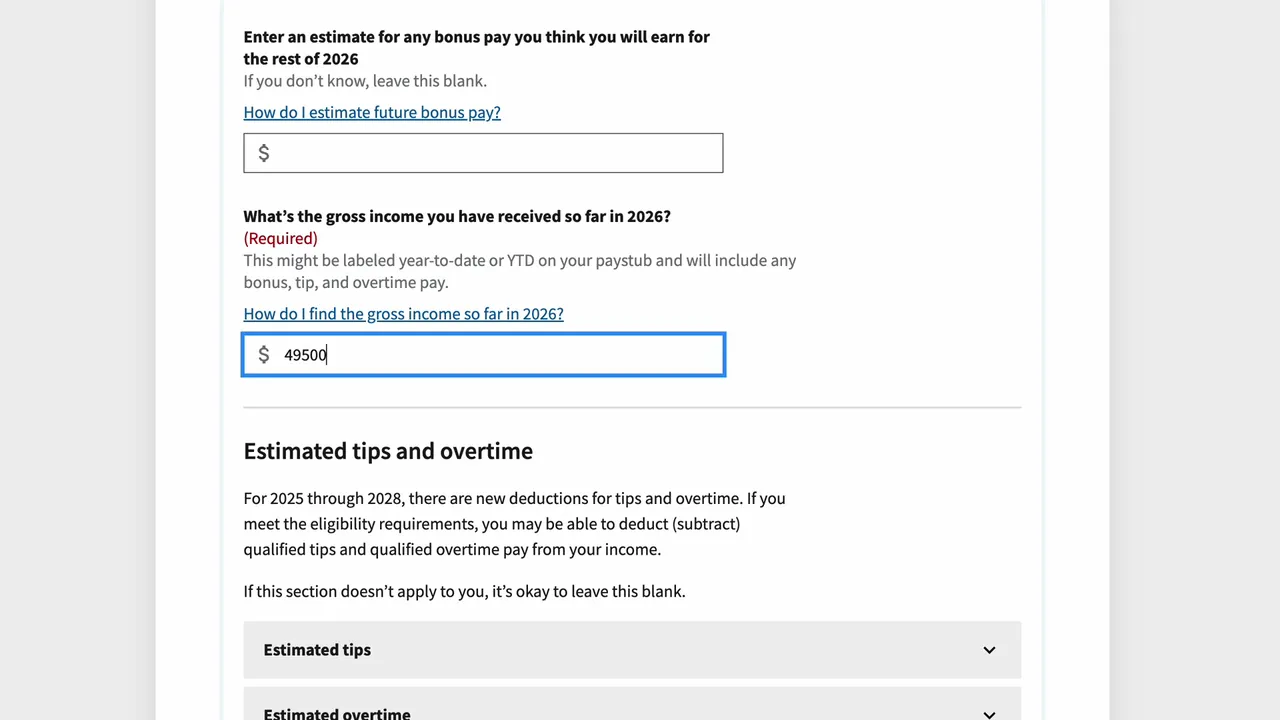
Pre-tax contributions, like a 401(k), health insurance or an HSA, lower your taxable income, so add them under Contributions. The example puts $90 per paycheck into a 401(k), $1,980 so far this year. Further down you can add other income, like a second job, interest or dividends. Click Next.
Step 3: Adjustments
Enter adjustments like student loan interest, educator expenses and IRA contributions. The example expects to pay $1,200 of student loan interest this year. Click Next.
Step 4: Standard or itemized deduction
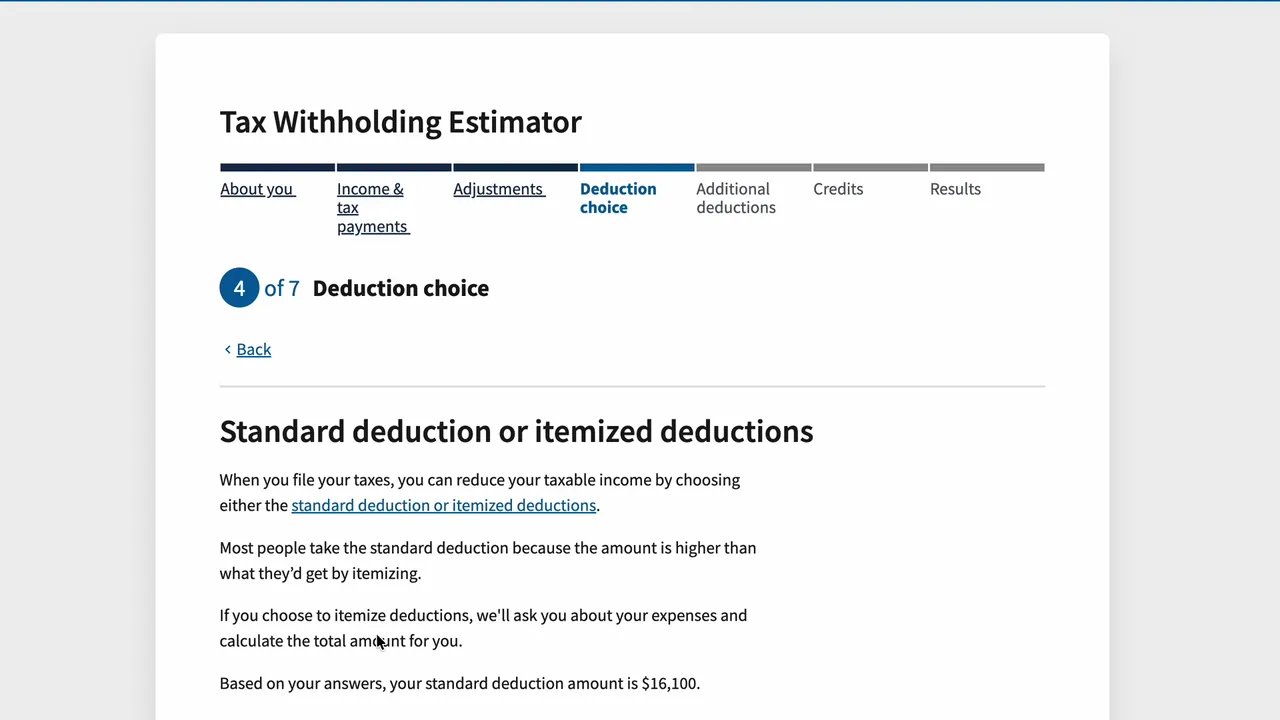
For a single filer in 2026, the standard deduction is $16,100. Most people take it, unless deductions like mortgage interest and state taxes add up to more. The example keeps the standard deduction. Click Next.
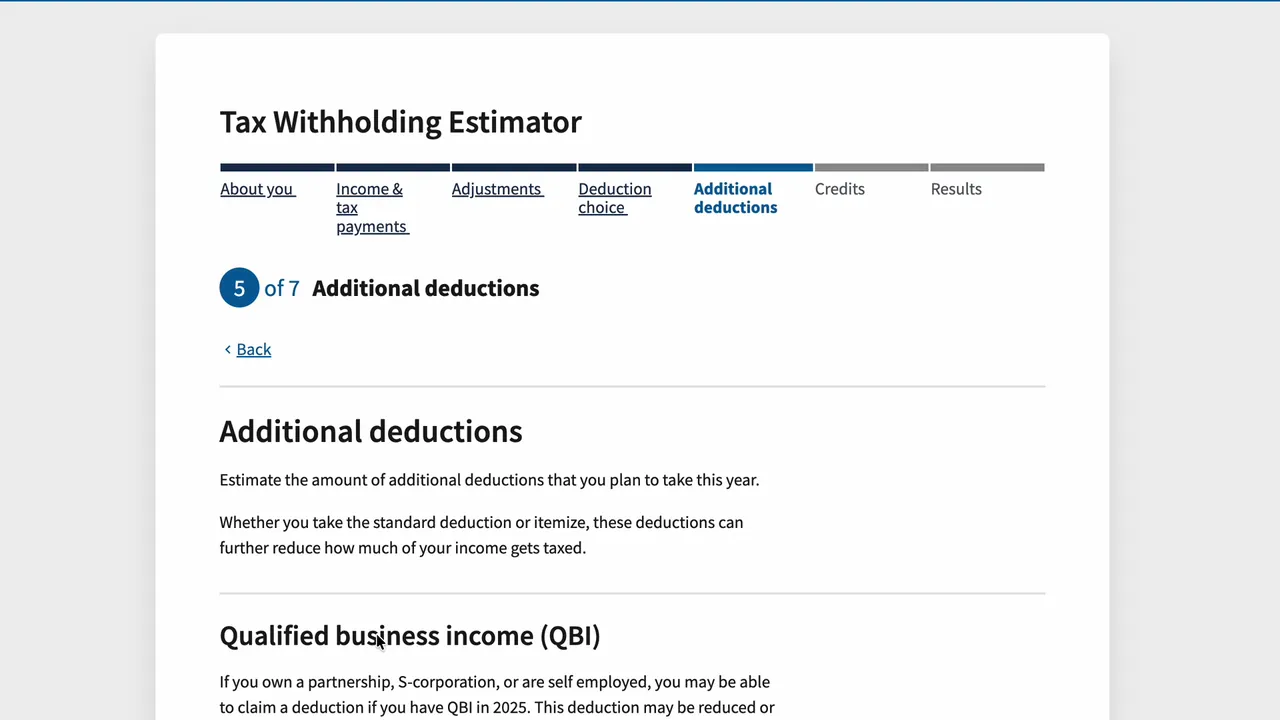
Step 5: Additional deductions
- Qualified business income (QBI): for business owners. With just a W-2 job, keep it at $0.
- Cash donations to charity: new for 2026, you can deduct up to $1,000 of cash donations (single filers) even if you take the standard deduction. The example gave $300.
- Car loan interest: a new deduction of up to $10,000 of interest on a loan for a new car assembled in the U.S., with the loan taken out in 2025 or later.
Click Next.
Step 6: Credits
Fill in any credits that apply to you, like the child and dependent care credit or education credits. None apply to the example. Click Next.
Step 7: Your results
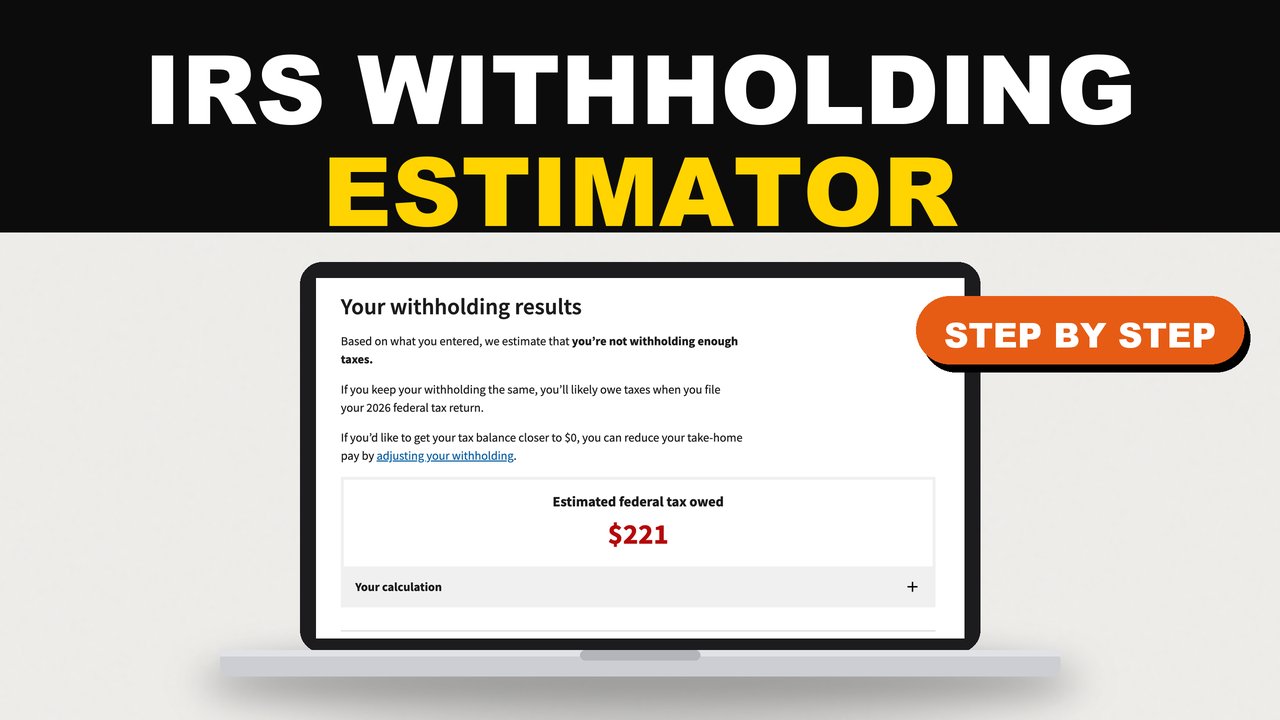
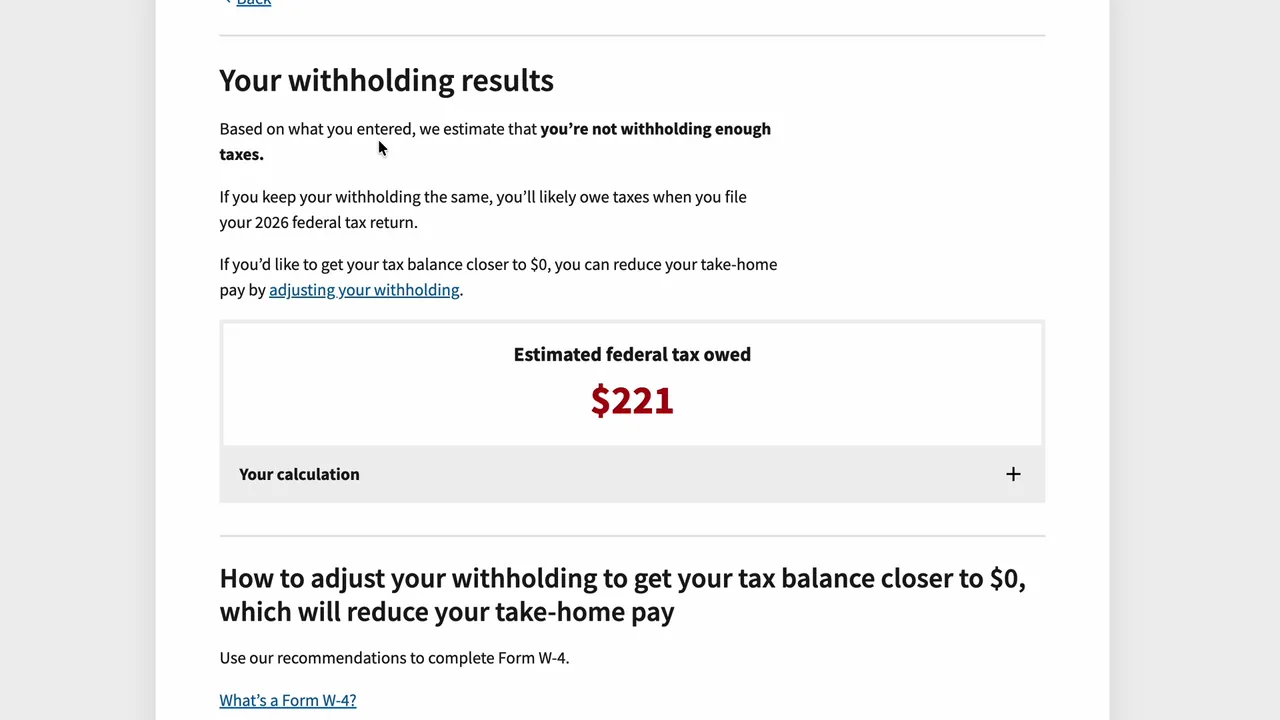
With the withholding the example has now, they'd owe about $221 when they file. That's fixable now, while there are still paychecks left this year. If your result shows a big refund instead, the same steps let you keep more of each paycheck.
Your new Form W-4
Open the section for your job. The estimator tells you exactly what to put on a new Form W-4. For the example:
| W-4 field | Entry |
|---|---|
| Step 1(c): Filing status | Single |
| Step 2(c): Multiple jobs | Don't check |
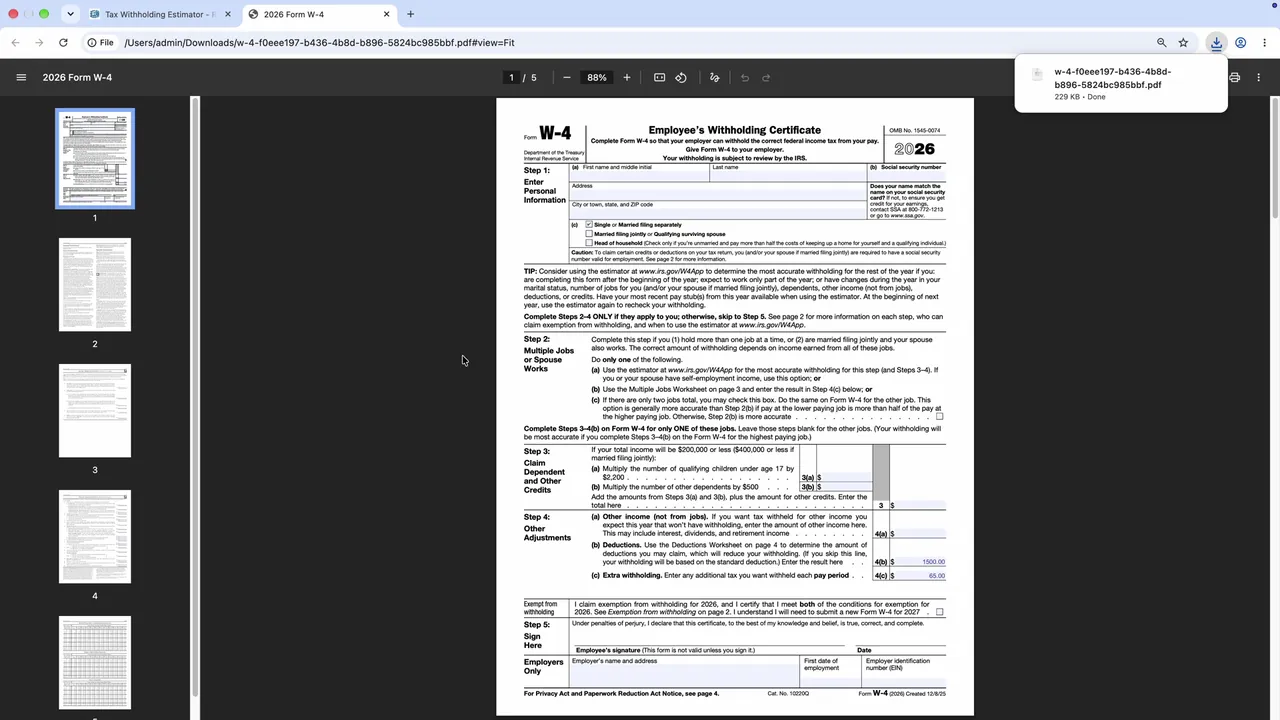
| Step 4(b): Deductions | $1,500 |
| Step 4(c): Extra withholding | $65 per pay period |
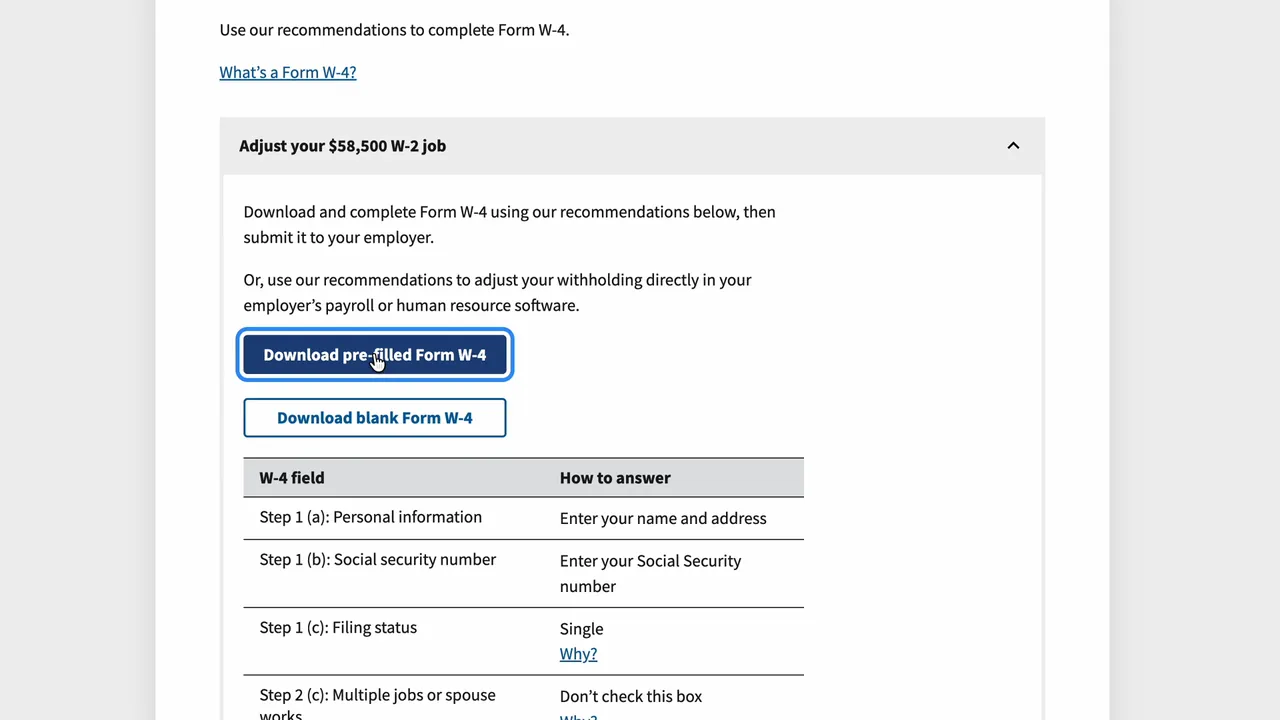
Click Download pre-filled Form W-4. The numbers are already in the PDF. Add your name, address and Social Security number, sign and date it, and give it to your employer. Many employers also let you update your W-4 on their payroll website. Withholding changes are time sensitive, so do it soon.
Check it again every January
The IRS suggests checking your withholding every January, and whenever your job, pay or family situation changes. For your own situation, talk to a tax professional.